Bought Bitcoin and do not know where to put it? Here is when you need a Bitcoin wallet. It is an application that allows you to store, send, receive, and even trade your BTC▲$62,630.00.
This guide covers what a Bitcoin wallet is, why beginners need it, how to choose the best one, and which basic security rules every newcomer should keep in mind.
Related: How to buy BTC – a step-by-step guide
What Is a Bitcoin Wallet
A Bitcoin wallet is a tool that lets you store and use your BTC. It does not actually “hold” your coins. Instead, it gives you access to them through private keys.
Think of it as a way to control your Bitcoin. With a wallet, you can send, receive, and manage your funds.
This is where beginners often get confused. When you buy Bitcoin on an exchange, your coins are stored there. You do not fully control them. The platform does. If something happens to the exchange, your access to funds can be at risk.
A Bitcoin wallet solves this problem. It gives you ownership and control over your BTC. You hold the keys, which means you decide how your Bitcoin is stored and used.
For beginners, this is an important step. A wallet is not just a place to keep BTC. It is a way to move from “holding Bitcoin on a platform” to actually owning it. The best crypto wallet for beginners should have both ease of use and control over private keys.
Types of Bitcoin Wallets: Which One Is Best for Beginners?
Not all Bitcoin wallets work in the same way. Some are built for convenience, others for security. Some are simple to use, while others require more setup.
For beginners, the main difference comes down to three things: how the wallet connects to the internet, what device you use, and who controls your keys. Choosing a crypto wallet for beginners means balancing these factors
Hot Wallets vs Cold Wallets
Hot wallets are connected to the internet. They are usually mobile or desktop apps. You can access them anytime, which makes them convenient for everyday use.
Cold wallets are offline. They store your private keys without needing an internet connection. This reduces the risk of hacks, but also makes them less convenient for quick transactions.
Mobile Wallets vs Hardware Wallets
Mobile wallets are apps you install on your phone. They are the easiest option for beginners. You can send and receive Bitcoin in a few taps.
Hardware wallets are physical devices. They store your private keys offline and are used mainly for long-term storage. They require an extra step to confirm transactions, but offer higher security.
Custodial vs Non-Custodial Wallets
Custodial wallets are controlled by a third party. For example, when you keep Bitcoin on an exchange, you do not hold the private keys yourself.
Non-custodial wallets give you full control. You hold the private keys and are responsible for keeping them safe.
Related: How to Invest in Bitcoin – The Ultimate Guide for Beginners
Quick Comparison
| Type | What it means | Best for beginners | Main downside |
| Hot wallet | Connected to the internet | Everyday use, small amounts | Higher security risk |
| Cold wallet | Stored offline | Long-term storage | Less convenient |
| Mobile wallet | App on your phone | First wallet, daily use | Depends on phone security |
| Hardware wallet | Physical device | Storing larger amounts | Costs money, extra setup |
| Custodial wallet | Third party controls keys | Easy start | No full ownership |
| Non-custodial wallet | You control the keys | Learning real ownership | You are responsible for security |
How to Choose the Right Wallet
The right Bitcoin wallet depends on what you want to do with your BTC.
If you plan to use Bitcoin often, send small amounts, or just want an easy start, a mobile wallet is usually the best option. It is simple, fast, and easier to understand for a beginner.
If your goal is long-term storage, then security becomes more important than convenience. In that case, a hardware wallet is usually the better choice.
There are a few basic things worth checking before you choose a wallet:
- Security. Does the wallet protect your private keys well?
- Ease of use. Is the app simple enough for a beginner?
- Backup and recovery. Can you restore access if you lose your device?
- Price. Mobile wallets are often free, but hardware wallets cost money.
- Lightning support. Some wallets support faster and cheaper Bitcoin payments through Lightning.
- Bitcoin-only or multi-chain. Some wallets focus only on BTC. Others support many coins.
So, what is the best Bitcoin wallet? The answer depends on what is most important for you: convenience, security, Lightning support, or multi-chain access.
For most beginners, the safest approach is simple. Start with a wallet that is easy to use and easy to recover. Then, if your Bitcoin holdings grow, move to a more secure setup.
Best Bitcoin Wallets Compared
This comparison covers several of the best bitcoin wallets 2026 for mobile access, long-term storage, Lightning payments, and multi-chain use.
| Wallet | Best for | Type | Custody | Bitcoin-only or multi-chain | Lightning support | Price | Main drawback |
| CoinRabbit | Beginners who want lending, swaps and multi-asset storage | Web + mobile wallet | Custodial | Multi-chain | No clear native Lightning support | Free | Custodial wallet; less focused on self-custody |
| Zengo | Absolute beginners | Mobile wallet | Non-custodial | Multi-chain | No clear native Lightning focus | Free | Not a Bitcoin-first wallet |
| Exodus | Beginners who want a polished all-around wallet | Mobile + desktop wallet | Non-custodial | Multi-chain | No | Free | Lightning support ended |
| MetaMask | Users who want one wallet for many chains, now including BTC | Mobile + browser wallet | Non-custodial | Multi-chain | No | Free | More complex than a Bitcoin-first wallet |
| Trust Wallet | Simple mobile use | Mobile wallet | Non-custodial | Multi-chain | No clear native Lightning focus | Free | Better for broad crypto use than pure Bitcoin use |
| BlueWallet | Bitcoin and Lightning beginners | Mobile + desktop wallet | Non-custodial | Bitcoin-first | Yes | Free | More Bitcoin-focused, less broad for other coins |
| Tangem | Beginners who want easy hardware storage | Hardware wallet | Non-custodial | Multi-chain | No clear native Lightning focus | Paid | Hardware wallet still costs money |
| Trezor | Users who want open-source hardware | Hardware wallet | Non-custodial | Bitcoin-first and multi-asset options | No native Lightning wallet | Paid | Less convenient than a mobile wallet |
| Ledger | Beginners who want the most mainstream hardware option | Hardware wallet | Non-custodial | Multi-chain | No native Lightning support | Paid | Closed-source elements and no native Lightning support |
Top 9 Wallet Reviews
CoinRabbit — Best Crypto Wallet for Lending and Beginners
Google Play: Available
App Store: Coming soon
CoinRabbit is a custodial crypto wallet built for users who want to store, exchange, earn, and borrow crypto from one platform. It supports 300+ crypto assets, including Bitcoin, Ethereum, XRP▲$1.13, Solana, and stablecoins.
Unlike non-custodial wallets, CoinRabbit manages custody of users’ assets. The platform says funds are held in cold storage, with security measures including 2FA, biometric authentication, address whitelisting, and passkey protection.
The main differentiator is its lending functionality. Users can use more than 300 cryptocurrencies as collateral for crypto-backed loans, while also managing their assets, swaps, and savings from the same account. CoinRabbit says loans can be processed within around 10 minutes, depending on the circumstances.
For beginners, the custodial model removes the need to manage a seed phrase or private keys. Account recovery is handled through the platform, which makes CoinRabbit simpler to use than traditional self-custody wallets, although it also means users depend on CoinRabbit’s infrastructure.
CoinRabbit’s key features include:
- 300+ supported crypto assets
- Custodial wallet with cold storage
- Crypto-backed loans
- Built-in crypto swaps
- Crypto savings and yield products
- 2FA, biometrics, address whitelisting and passkeys
- Web wallet and Android app
Pros:
- Simple onboarding without seed phrase management
- 300+ supported assets
- Built-in crypto lending and swaps
- Cold-storage custody
- 24/7 human support
Cons:
- Custodial rather than self-custodial
- Less suitable for users who want full control of private keys
- More focused on lending and asset management than advanced wallet functionality
Zengo — Best Bitcoin Wallet for Absolute Beginners
App Store rating: 4.7/5
Google Play: 4.1/5
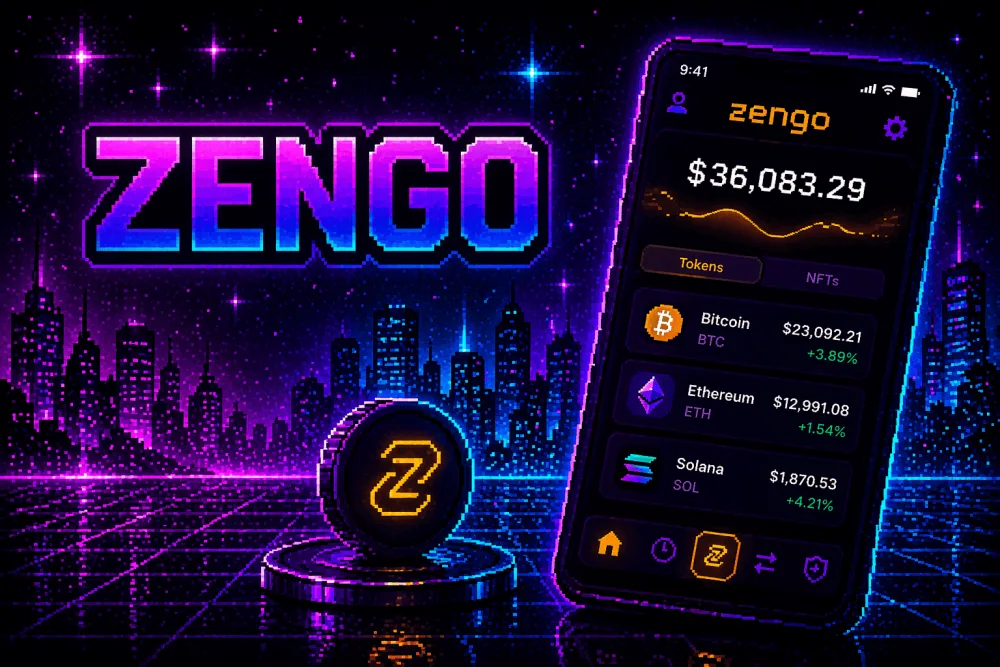
Zengo removes one of the biggest pain points for beginners — the seed phrase.
Most crypto wallets require you to write down 12-24 words and keep them safe. If you lose them, you lose access to your funds. Zengo works differently. It uses MPC (multi-party computation), so there is no single private key and no seed phrase to store.
Instead, the wallet splits security between your device and Zengo’s system. Access is restored through a combination of email, biometric verification, and encrypted backups.
For beginners, this makes the whole experience much simpler. You do not need to worry about writing down and protecting recovery phrases from day one. This simplicity makes Zengo a strong best BTC wallet candidate for users who’d rather skip traditional seed-phrase management.
Zengo’s key features include:
- Keyless wallet (no seed phrase)
- MPC-based security model
- Built-in recovery with email and biometrics
- Clean and simple mobile interface
- Supports Bitcoin and other assets
Pros:
- Very easy onboarding, no technical setup
- No risk of losing access due to lost seed phrase
- Clear recovery flow, easier than most wallets
- Good balance between usability and security
Cons:
- Less control compared to fully self-custodial setups
- Recovery depends partly on Zengo’s infrastructure
Exodus — Best All-Around Bitcoin Wallet for Beginners
App Store rating: 4.6/5
Google Play: 4.5/5
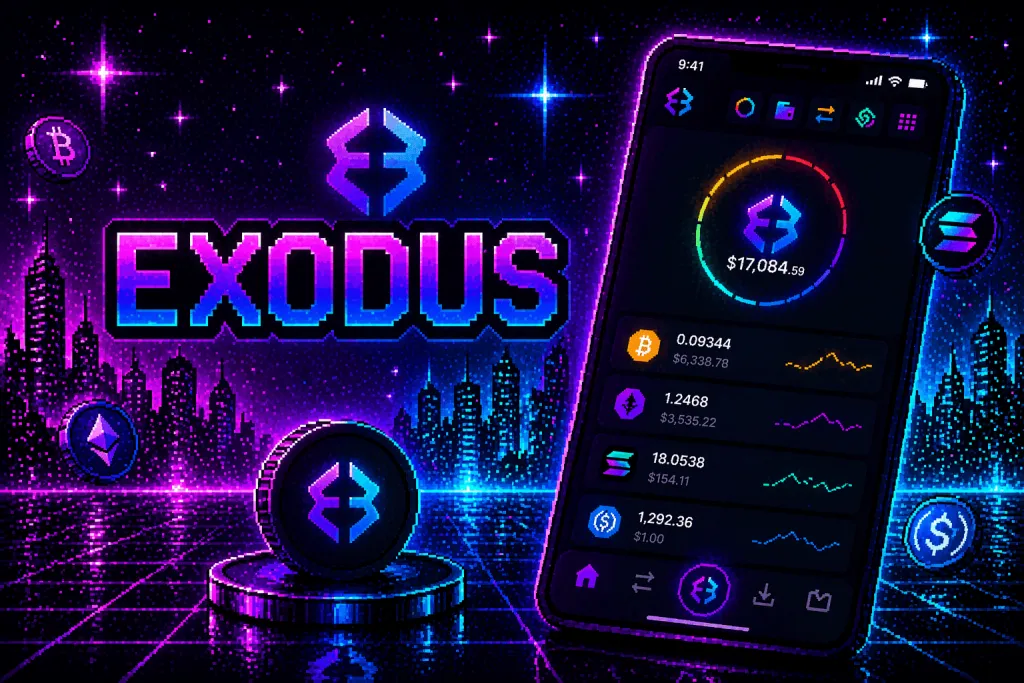
Exodus is one of the easiest wallets to start with. The main focus here is user experience.
Most beginner wallets either look too technical or too limited. Exodus sits in the middle. It has a clean interface, clear navigation, and works both on mobile and desktop. You can install it and start using it within minutes.
It also gives a simple overview of your portfolio. You can see your balances, track prices, and manage different assets in one place without extra setup.
For beginners, this makes a big difference. You do not feel lost inside the app. It is also one of the best crypto wallets for beginners who want to manage Bitcoin alongside other assets.
Related: Best Crypto Apps for Beginners
Exodus’ key features are as follows:
- Mobile and desktop versions
- Built-in portfolio tracking
- Support for Bitcoin and many other assets
- Built-in swap (exchange inside the wallet)
- Integration with Trezor hardware wallet
Pros
- Very beginner-friendly interface
- Easy setup with no complicated steps
- Works across devices (phone + desktop)
- Good balance between simplicity and features
Cons
- Built-in swap fees can be high
- Not fully open-source
MetaMask — Best Multichain Wallet With Bitcoin Support
App Store rating: ~4.7/5
Google Play: ~4.5/5

MetaMask is one of the most widely used crypto wallets, but it was not originally built for Bitcoin.
For years, it focused on Ethereum and other EVM-compatible networks. In 2026, it added support for Bitcoin. This means you can now manage BTC inside a wallet that also supports many other blockchains.
For beginners, this can be convenient. You can keep different assets in one place and use the same app for everything.
At the same time, MetaMask is not a Bitcoin-first wallet. Its interface and logic are still built around the broader crypto ecosystem. This makes it more suitable for users who plan to go beyond Bitcoin.
MetaMask’s key features:
- Multi-chain wallet (Ethereum, other networks, and Bitcoin)
- Browser extension and mobile app
- Non-custodial (you control your keys)
- Built-in access to dApps
- Widely supported across the crypto ecosystem
Pros
- One wallet for multiple blockchains
- Very large ecosystem and support
- Easy access to dApps and Web3 tools
- Familiar interface for many users
Cons
- Not optimized specifically for Bitcoin
- Can feel complex for absolute beginners
- More features than needed if you only use BTC
Trust Wallet — Best Simple Mobile Bitcoin Wallet
App Store rating: ~4.7/5
Google Play: ~4.5/5

Trust Wallet is one of the easiest ways to start using Bitcoin on your phone.
The app is designed to be simple from the first launch. You install it, create a wallet, and can send or receive BTC in a few taps. There is no complex setup or technical barrier.
At the same time, it is a non-custodial wallet. This means you control your private keys and your funds. The app gives you a recovery phrase that you need to store safely.
Trust Wallet is not focused only on Bitcoin. It supports many different cryptocurrencies. For beginners, this can be both an advantage and a downside. It gives flexibility, but also adds extra features that you may not need at the start.
Trust Wallet’s key features are:
- Mobile-first wallet (iOS and Android)
- Non-custodial (you control your keys)
- Supports Bitcoin and many other assets
- Built-in browser for dApps
- Simple send and receive interface
Pros
- Very easy to use for beginners
- Quick setup and onboarding
- Full control over your funds
- Supports many assets in one app
Cons
- Not a Bitcoin-only wallet
- Extra features can be confusing for beginners
- Requires careful handling of the recovery phrase
BlueWallet — Best Bitcoin and Lightning Wallet for Beginners
App Store rating: 4.6.5
Google Play: 4.2/5

BlueWallet is one of the few beginner-friendly wallets that focuses mainly on Bitcoin.
Most wallets try to support as many coins as possible. BlueWallet takes a different approach. It is built around Bitcoin and gives you both on-chain transactions and Lightning payments in one app.
This makes it a good step forward after basic wallets. You can start with simple BTC transfers and then try faster and cheaper payments through Lightning.
At the same time, the app stays relatively simple. It does not overload you with features you do not need.
Key features of BlueWallet are:
- Bitcoin-only focus
- On-chain and Lightning wallets in one app
- Simple interface for sending and receiving BTC
- Option to connect to your own node (advanced)
- Watch-only wallet support
Pros
- Clean Bitcoin-focused experience
- Built-in Lightning support
- Good balance between simplicity and features
- Suitable for both beginners and more advanced users
Cons
- Slightly more complex than basic wallets
- Lightning setup can be confusing at first
- Fewer “polished” UX elements compared to apps like Exodus
Tangem — Best Beginner-Friendly Hardware Wallet
Price: Starts from ~$50-$60 (depends on bundle)
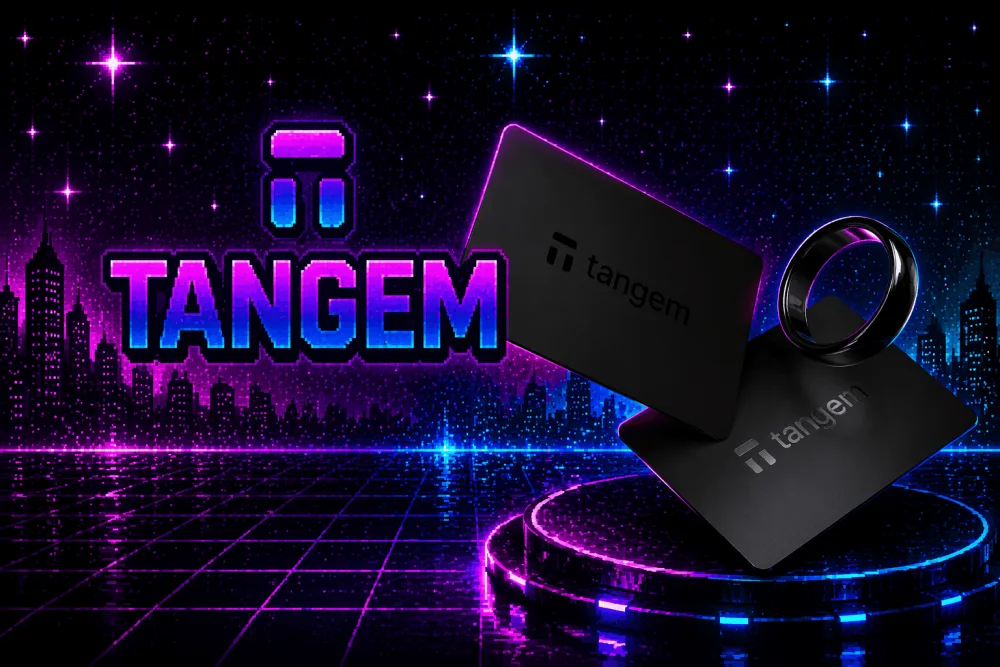
Tangem is one of the simplest ways to start using a hardware wallet.
Most hardware wallets require you to write down a seed phrase and store it safely. For beginners, this step is often the most confusing and stressful.
Tangem works differently. It uses NFC cards instead of a traditional device and does not require a seed phrase by default. You simply tap the card with your phone to access your wallet.
The setup is fast and feels closer to using a regular app than a hardware device. At the same time, your private keys stay offline inside the card.
For beginners, this removes a lot of friction from cold storage.
Tangem’s key features include:
- Hardware wallet in the form of NFC cards
- No seed phrase required (optional backup via multiple cards)
- Works with a mobile app
- Offline private key storage
- Supports Bitcoin and other assets
Pros
- Very easy to set up compared to other hardware wallets
- No need to manage a seed phrase
- Compact and convenient (card format)
- Good entry point into cold storage
Cons
- Not a Bitcoin-only wallet
- Requires a compatible smartphone (NFC support)
- Less transparency compared to fully open-source wallets
Trezor — Best Open-Source Hardware Wallet for Bitcoin
Price: Starts from ~$69 (Model One), ~$219 (Model T)
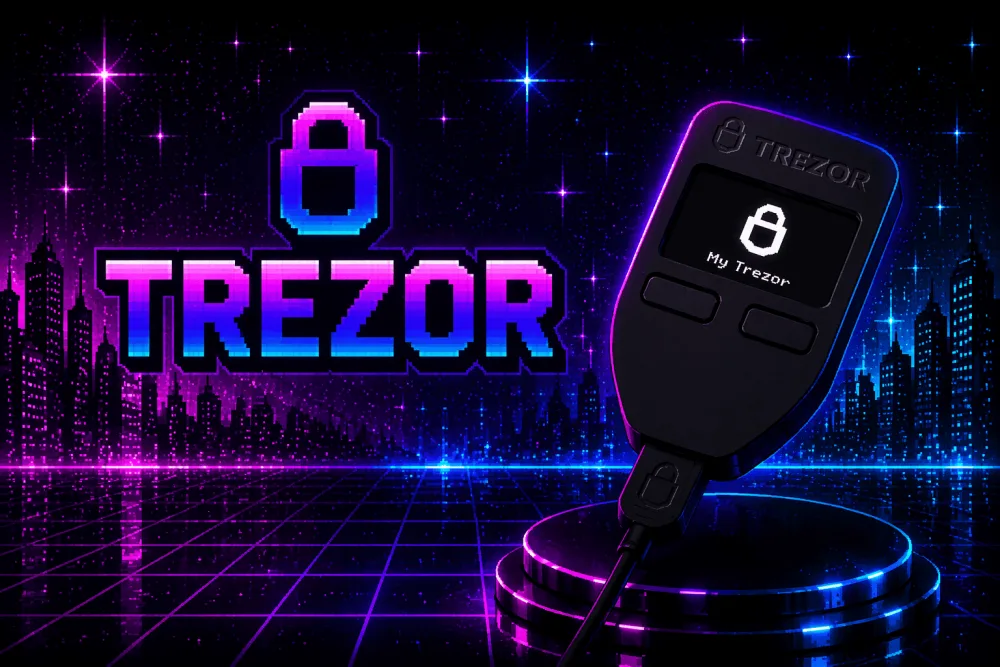
Trezor is one of the oldest and most trusted hardware wallets in crypto.
The main difference from simpler options like Tangem is control and transparency. Trezor is fully open-source. This means its code can be reviewed, which is important for users who care about security and trust.
It follows a classic hardware wallet model. You generate a recovery phrase, store it offline, and use the device to sign transactions. Your private keys never leave the device.
For beginners, this setup takes a bit more effort. But it gives you full ownership and a very high level of security.
Key features of Trezor:
- Hardware wallet with offline key storage
- Open-source firmware and software
- Seed phrase backup (12–24 words)
- PIN and passphrase protection
- Integration with Trezor Suite and third-party wallets
Pros
- Strong security model with full self-custody
- Open-source and transparent
- Trusted reputation in the Bitcoin community
- Good option for long-term storage
Cons
- Requires learning how to manage a seed phrase
- More complex setup compared to mobile wallets
- Not the cheapest option for beginners
Ledger — Most Popular Hardware Wallet for Beginners
Price: Starts from ~$79 (Ledger Nano S Plus), ~$149 (Ledger Nano X)
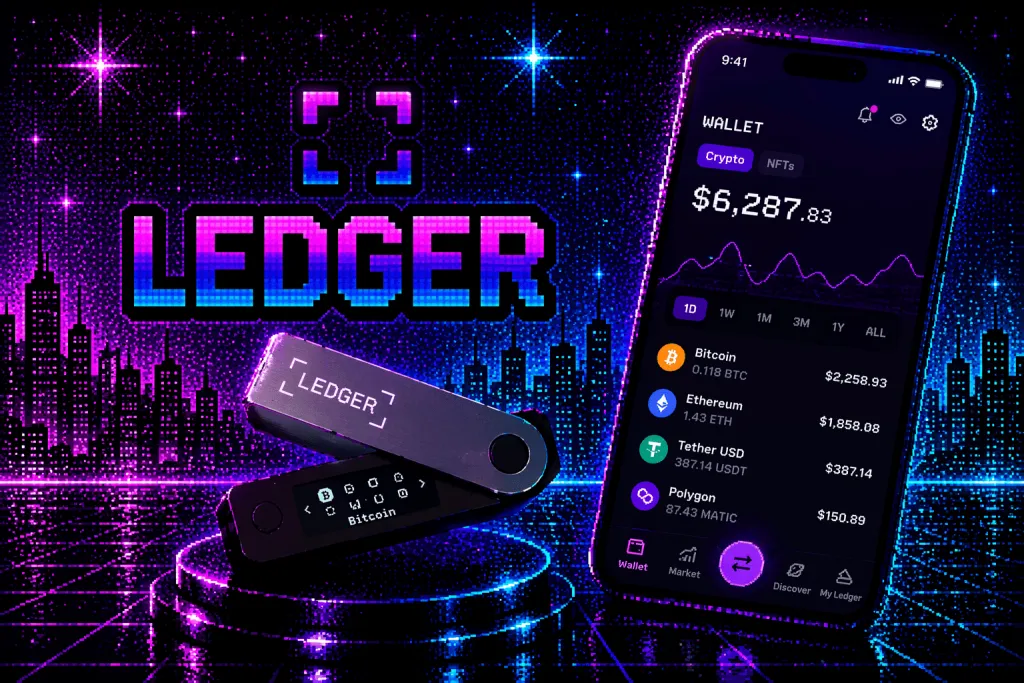
Ledger is the most widely used hardware wallet in the crypto space.
It follows the same core idea as Trezor. Your private keys are stored offline inside the device, and every transaction must be confirmed physically. This protects your funds even if your computer or phone is compromised.
What makes Ledger different is its ecosystem. The Ledger Live app gives a simple interface to manage assets, check balances, and install apps for different cryptocurrencies. For beginners, this makes the experience more guided compared to more minimal setups.
At the same time, Ledger is not Bitcoin-only. It supports many assets, which can be useful if you plan to use crypto beyond BTC.
Ledger’s key features are:
- Hardware wallet with offline key storage
- Ledger Live app for asset management
- Support for Bitcoin and many other cryptocurrencies
- Secure element chip for key protection
- Bluetooth support (Nano X)
Pros
- Beginner-friendly interface for a hardware wallet
- Strong security with offline key storage
- Large user base and ecosystem
- Works with both desktop and mobile
Cons
- Not fully open-source
- Requires managing a seed phrase
- Past controversies around data and security concerns
How to Set Up Your First Wallet
Setting up a Bitcoin wallet is easier than it may seem. The steps are usually the same, no matter which wallet you choose.
The main idea is simple. You create a wallet, back it up, and then use it to receive or send Bitcoin. To choose among the best crypto wallets for beginners 2026, look at how clearly each provider explains the setup and recovery process.
Here is a step by step guide:
- Download the wallet. Install it only from the official website or app store. Avoid third-party links. Fake apps are one of the most common risks for beginners.
- Create a new wallet. Open the app and select “Create new wallet.” At this stage, the wallet will generate your private keys. You do not see them directly, but they are created behind the scenes.
- Back up your wallet. This is the most important step. Most wallets will show you a recovery phrase (usually 12-24 words). You need to write it down and store it offline. Do not save it in notes, screenshots, or cloud storage.
- Set up basic security. Add a PIN, password, or biometric protection if the wallet supports it. This protects access to your wallet on your device.
- Receive your first Bitcoin. To receive BTC, open the “Receive” section in your wallet. You will see your Bitcoin address or a QR code. You can use it to transfer Bitcoin from an exchange or another wallet.
- Send a test transaction. Before moving a large amount, send a small test transaction. This helps you understand how the wallet works and reduces the risk of mistakes.
There are wallets with a seed phrase and without one. Zengo does not use a secret set of words, its setup is slightly different.
You create an account with your email, confirm it, and set up biometric security. The wallet handles key management through its MPC model.
There is no recovery phrase to write down, but you still need to complete the recovery setup inside the app.
BlueWallet, for instance, follows a classic model. After creating a wallet, it shows a recovery phrase. You need to write it down and confirm it.
Once done, you can start using both on-chain Bitcoin and Lightning inside the app.
Important Bitcoin Wallet Safety Tips for Beginners
Using a Bitcoin wallet is simple. Keeping your funds safe is the harder part.
Once you move Bitcoin to your wallet, you are responsible for it. There is no support team that can recover your funds if something goes wrong.
Here are the basic rules every beginner should follow:
- Back up your recovery phrase. If your wallet uses a seed phrase, write it down and store it offline. Do not save it in notes, screenshots, email, or cloud storage. If someone gets access to it, they get access to your Bitcoin. Keep it in a safe place. Some people use two copies stored in different locations.
- Never share your private data. No legitimate service will ask for your recovery phrase or private keys. If someone asks for it, it is a scam. This includes emails, messages, fake support chats, and websites.
- Download wallets only from official sources. Always use official websites or trusted app stores. Fake wallet apps are one of the most common ways beginners lose funds. Double-check the name, developer, and reviews before installing.
- Use a PIN, password, or biometrics. Most wallets allow you to protect access with a PIN or biometric lock. This does not replace your recovery phrase, but it protects your wallet on your device.
- Avoid public Wi-Fi for transactions. Public networks can be unsafe. If possible, avoid sending Bitcoin when connected to public Wi-Fi, especially without a VPN.
- Keep your device secure. Update your phone or computer regularly. Do not install unknown apps. Avoid clicking suspicious links. Your wallet is only as safe as the device it runs on.
- Consider a hardware wallet for larger amounts. If you plan to store a significant amount of Bitcoin, a hardware wallet adds an extra layer of security.
The rules are simple, but they matter.
Most mistakes happen not because wallets are unsafe, but because basic security steps are ignored.
Conclusion
A Bitcoin wallet is the first real step from buying BTC to actually owning it.
There is no single “best” wallet for everyone. The right choice depends on how you plan to use your Bitcoin. If you need simplicity and quick access, a mobile wallet is a good starting point. If your goal is long-term storage, a hardware wallet offers a higher level of security.
For most beginners, the best approach is simple. Start with an easy-to-use wallet, learn how transactions work, and understand how to protect your recovery data. As your experience and holdings grow, you can move to more advanced setups.
Bitcoin gives you control over your money. A wallet is the tool that makes that control possible. The best crypto wallets for beginners make security and recovery easy to understand and manage.
FAQ
What is a Bitcoin wallet?
A Bitcoin wallet is a tool that gives you access to your BTC through private keys. It lets you send, receive, and manage Bitcoin.
Do beginners need a Bitcoin wallet?
Yes. If you want full control over your Bitcoin, you need a wallet. Keeping BTC only on an exchange means the platform controls the keys.
What is the difference between a hot wallet and a cold wallet?
A hot wallet is connected to the internet. A cold wallet keeps keys offline. Hot wallets are easier for daily use, and cold wallets are safer for long-term storage.
What is the safest type of Bitcoin wallet?
A hardware wallet is usually the safest type for long-term storage. It keeps private keys offline and reduces exposure to online threats.
What is the difference between a custodial and a non-custodial wallet?
A custodial wallet is controlled by a third party, such as an exchange. A non-custodial wallet gives you control over the private keys and full ownership of your BTC.
Are Bitcoin wallets free?
Many mobile and software wallets are free to download. Hardware wallets cost money because they are physical devices.
What happens if I lose my Bitcoin wallet?
If you still have your recovery phrase or recovery method, you can restore access on another device. If you lose both the wallet and the recovery data, you can lose access to your Bitcoin.
Should beginners use a mobile wallet or a hardware wallet?
A mobile wallet is usually easier for beginners. A hardware wallet is better for larger amounts or long-term storage. Many users start with a mobile wallet and later move part of their BTC to hardware.