With increased cryptocurrency online usage, protecting the user’s private keys has become one of the most important aspects of self-custody.
Contents
- What Is a Hardware Wallet and Why It Matters in 2026
- What Is Ledger Nano (X, S Plus, and Stax Explained)
- How to Set Up Ledger Nano Step by Step
- How to Transfer Crypto to Ledger Nano
- How to Use Ledger Nano for Daily Transactions
- How to Use Ledger Nano with DeFi and Web3 Apps
- Common Mistakes When Using Hardware Wallets
- How Safe Is Ledger Nano in 2026?
- Ledger Nano vs Other Hardware Wallets
- Is Ledger Nano Worth It for Beginners?
- FAQ
What Is a Hardware Wallet and Why It Matters in 2026
Hardware wallets create and store the user’s cryptographic keys on a piece of hardware that is dedicated and exclusively controlled by the user. This reduces exposure to malware, phishing, and other internet-based attacks.
How Hardware Wallets Work Compared to Software Wallets
Software wallets, on the other hand, store private keys on devices that can be connected to the internet, while hardware wallets store keys offline. Transactions are sometimes prepared on a computer or a smartphone, but since the private key is not exposed to the host device, the hardware wallet must be used to sign transactions.
Read More: Best Web3 Wallets 2026: Secure Picks for DeFi, XRP and Beginners
This method makes a crypto hardware wallet much less vulnerable to remote attacks than a software-based hot wallet, but the recovery phrase still has to be protected, and the transaction details have to be verified.
Why Crypto Security Threats Are Increasing
Attackers target crypto users with phishing or fake wallet apps, malicious browser extensions, and counterfeit Ledger hardware wallets. Security researchers have found fake Ledger hardware wallets and fake Ledger Live downloads that steal user recovery phrases.
With more users interacting with DeFi protocols, cross-chain bridges, and Web3 products, the attack surface of cryptocurrency has expanded, and crypto security 2026 is becoming a bigger priority for those who want more protection for their own self-custodied assets.
| Common Threat | Software Wallet | Hardware Wallet |
| Malware | High risk | Low risk |
| Phishing | High risk | Medium (if user approves a malicious transaction) |
| Fake wallet apps | High risk | Low (official device still required) |
| Private key theft | Possible if device is compromised | Extremely difficult without the recovery phrase |
| Physical theft | Device compromise possible | Funds remain protected by PIN and recovery phrase |
Benefits of Using Cold Storage for Crypto Assets
The private key is isolated from internet-connected devices in a cold storage crypto solution, which provides one of the strongest security models for long-term crypto asset storage. Since the private key does not ever leave the user’s control, remote compromise is unlikely.
Many investors, therefore, use a hardware wallet for storing crypto long term and a software wallet for the regular sending and receiving of crypto, adding another layer of security and usability.
What Is Ledger Nano (X, S Plus, and Stax Explained)
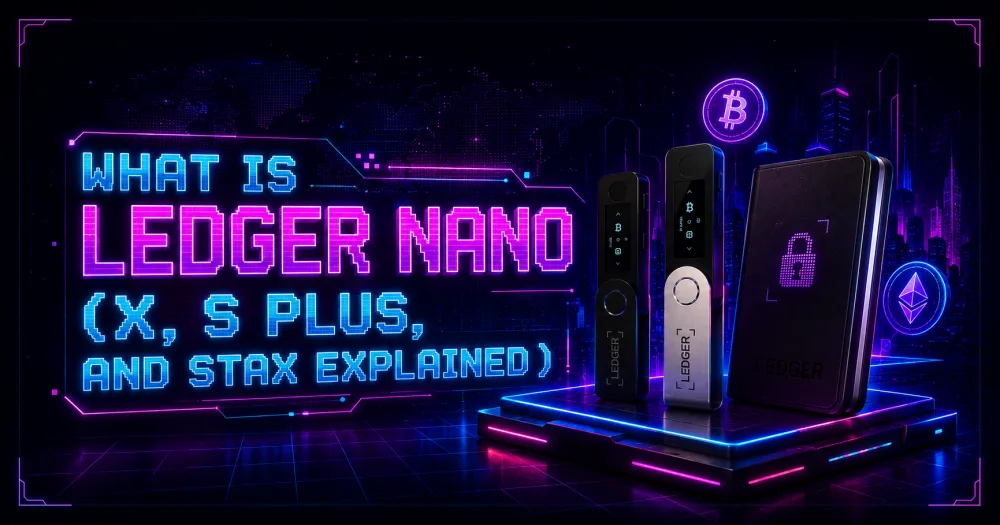
The Ledger hardware wallet family comprises models for long-term holders of private keys and those using Web3 frequently. All models keep private keys offline but differ in terms of connectivity, display, and user experience. Today’s Ledger wallet guide focuses on choosing which hardware wallet is best for a user’s security and usability preferences.
Ledger Nano X vs Ledger Nano S Plus vs Ledger Stax
The Nano S Plus is for use with a desktop computer via USB-C. The Nano X, which adds Bluetooth, is for use with Ledger Live and for mobile use. Ledger Stax features a wider curved E Ink touchscreen with wireless charging and software designed to ease viewing transaction details and NFTs.
The budget-friendly S Plus is generally better for most consumer users, while those who will be using their mobile phone a lot might prefer the Nano X. Stax is currently marketed as the luxury desktop option, with a larger screen providing greater usability while still being self-custody.
Key Features of Ledger Hardware Wallets
Your private keys are stored by each Ledger device in a Secure Element chip and are only used to sign transactions once you have given explicit validation for each transaction. This architecture is designed to protect you from unauthorized transactions, while you remain in control of your funds.
Depending on the model, the wallets also support Bluetooth, E Ink touchscreens, the ability to view NFTs, and interfaces allowing users to sign transparent transactions. Ledger devices are commonly used for hardware storage and as Web3 wallets.
Supported Cryptocurrencies and Networks
Ledger devices are compatible with the majority of digital asset applications. Major compatible cryptocurrencies include Bitcoin, Ethereum, Solana, XRP▲$1.13, Cardano, and ERC-20 tokens, which are available via Ledger Live or through 3rd party application support. This list is continually being extended as new applications and blockchains are supported.
Read Also: Best Smart Wallets 2026: Safe, Argent, Coinbase Smart Wallets Ranked for Security and Ease of Use
Once configured following the Ledger Nano X setup or Ledger Nano S Plus guide, the device may be used with various blockchain networks; the supported coins and features may vary depending on the specific Ledger application or external wallet software being used.
How to Set Up Ledger Nano Step by Step
A correct Ledger Nano setup ensures that the device is authentic, and only the Ledger onboarding process is used. The Secure Element generates any private keys used by a wallet internally on the device as part of the setup process.
What You Need Before Setup
To set up a new Ledger device, you need a computer or a compatible smartphone, the new Ledger device, a USB cable or Bluetooth connection (if your Ledger device is Bluetooth enabled), and the Ledger Live app downloaded on your computer or mobile device from Ledger’s official website. Avoid any unofficial software or guides when installing.
Do not enter an existing PIN when powering on a brand-new Ledger. A Ledger should always be initialized by its owner, especially if the device requests an existing PIN upon first being turned on.
Installing Ledger Live Application
The Ledger Live tutorial begins by downloading the Ledger Live app via Ledger’s website. The app is compatible with Windows, macOS, Linux, iOS, and Android. The application verifies the authenticity of the connected device, then allows the user to add accounts and install blockchain applications.
According to Ledger, users should regularly update Ledger Live and the Ledger device’s firmware, as updates may add support for more assets and security improvements, among other features.
Initializing Your Ledger Device (PIN Setup)
When a wallet is created, there is an option to initialize the device as new. Users can also set a 4-8-digit PIN code. The device is unlocked using the PIN, while private keys are always stored inside the hardware.
After three failed PIN attempts, the device resets to factory settings. Funds remain safe as long as the recovery phrase is backed up in advance.
Writing Down and Securing Your Recovery Seed Phrase
Upon starting the device, Ledger generates a 24-word recovery phrase. This is the only physical backup of the wallet and has to be written in the order shown on the recovery sheet, then confirmed on the device. Do not keep or share the phrase in electronic form.
If a Ledger device is lost, stolen, or reset, its recovery phrase can be used to recover wallets containing the same assets on a new Ledger device or third-party wallet. Ledger advises creating a backup of the 24-word phrase in a secure, private, offline location, as anyone with the phrase can access the funds.
How to Transfer Crypto to Ledger Nano
Once the wallet is set up, sending funds is easy. The only thing to bear in mind is to always check the receiving address on the hardware device, regardless of whether the sending device is a computer or smartphone, to protect from malware that changes the address on the computer or phone.
Generating a Receiving Address
To receive cryptocurrency, the user opens Ledger Live, selects the account, clicks on the Receive button, connects and unlocks the Ledger device, opens the blockchain application on the device, and the receiving address appears in Ledger Live and on the Ledger device’s screen.
Only send the money if the above addresses are exactly the same. If so, you can copy the address or send a QR code to the sender. Ledger notes that when using networks like Bitcoin, a new address is generated for privacy, but previously generated addresses still apply.
Sending Bitcoin, Ethereum, and Other Coins to Ledger
To complete how to use Ledger Nano for receiving assets, withdraw BTC▲$62,630.00, Ethereum, or another supported cryptocurrency from your exchange or external wallet using the verified address generated in Ledger Live. Always confirm that both the asset and the blockchain network match the destination account before submitting the transaction.
Ledger recommends sending an initial low-value test transaction before sending larger amounts, and after the transaction is confirmed on the blockchain, the balance will automatically appear in Ledger Live after synchronization.
How to Verify Transactions Safely
Another important step in securing a cryptocurrency transaction is to check that the recipient address and amount displayed on the Ledger hardware wallet screen match those entered on the computer or phone before approving the transaction on the device.
Never accept a transaction you didn’t create. Ledger warns that phishing attacks may trick the user into accepting a malicious transaction through a fake application or wallet, which is one of the reasons why this feature is critical for crypto wallet security.
| Step | What to Do | Why It Matters |
| Generate address | Create a receiving address in Ledger Live | Ensures funds are sent to the correct account |
| Verify address | Compare the address in Ledger Live with the one displayed on the Ledger device | Protects against malware that replaces wallet addresses |
| Choose the correct network | Match the blockchain network with the asset being transferred | Prevents irreversible transfer errors |
| Send a test transaction | Transfer a small amount first | Confirms the address and network are correct |
| Confirm final transfer | Send the remaining balance after the test succeeds | Reduces the risk of losing large amounts due to mistakes |
How to Use Ledger Nano for Daily Transactions
Daily Ledger device usage is also the same as above. Each transaction is created in Ledger Live, verified on the Ledger hardware wallet screen, and approved if the information displayed matches the transaction just reviewed.
Private keys never leave the Ledger hardware wallet, regardless of whether the Ledger Live connected computer or smartphone is connected to the internet.
Connecting Ledger to Ledger Live
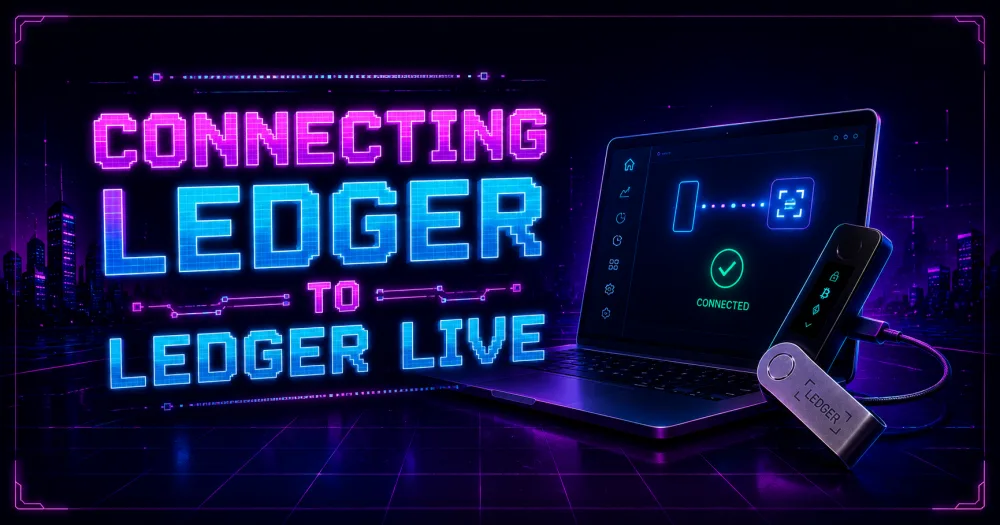
The Ledger Live app automatically detects compatible accounts, synchronizes the account balance data stored on the Ledger device with data on the blockchain, and allows the user to send, receive, swap, or stake supported cryptocurrencies. All transaction approvals are done on the Ledger hardware wallet using the Ledger Live app.
It is recommended to keep Ledger Live and the firmware on the device up to date to benefit from security, blockchain integrations, and compatibility updates from Ledger.
Sending Crypto from Hardware Wallet
To send a payment, the user selects the account in Ledger Live, enters the address of the recipient, the amount to send, and the network fee (if adjustable), and confirms the transaction. The wallet shows users the transaction details on the device screen before it is sent to the network.
Read Also: Ledger vs Trezor: Which Hardware Wallet Is Better?
This can be critical if you are following a hardware wallet tutorial, as sending tokens to an unsupported or incorrect network may result in loss of funds. Always ensure that the destination network matches the asset.
Approving Transactions on the Device
For security reasons, always check your transactions directly on your Ledger hardware device, not on your computer screen. Check that the recipient address, amount, and network correspond to what you intended.
This is a basis for Ledger’s Clear Signing initiative, which displays human-readable transaction details, allowing users to detect fraudulent transactions at a glance.
Never approve a transaction you do not fully understand. If the information on the device does not match your expectations, decline the transaction and investigate the request.
Fees, Network Speed, and Common Mistakes
Ledger does not charge fees for sending cryptocurrency, but users of its hardware wallet must pay the network fee for the underlying blockchain when sending funds.
On networks such as Bitcoin and Ethereum, higher transaction fees usually lead to faster confirmations, while lower transaction fees may cause longer delays in confirmation during times of congestion.
Ledger Live displays estimated fees for supported networks. The user can choose their fees based on the estimate of how long a transaction will take to confirm, based on the state of the blockchain and validator or miner activity.
The most common errors are sending to the wrong network, copying the wrong recipient address, forgetting to pay attention to what is displayed on the screen while using Clear Signing, or trying to send a large transaction before making a small one to test if everything works. These errors are more common than hardware wallet failures.
How to Use Ledger Nano with DeFi and Web3 Apps
Ledger devices can be used with an increasing number of decentralized applications, and do not expose private keys to the web browser. Transactions are approved on the Ledger device rather than a software wallet, which is an extra layer of protection in Web3 browsing.
Connecting Ledger to MetaMask
To use a MetaMask Ledger integration, the Ledger must be set up, and the Ethereum app must be installed using Ledger Live. The user then visits MetaMask and clicks Add hardware wallet, connects the Ledger, and imports the public address. In all cases, the private keys are stored in the hardware wallet, never being sent to the browser extension.
Once the connection is created, MetaMask serves as the GUI for interacting with decentralized applications, and every transaction must be viewed and accepted on the Ledger device before being signed.
Using Hardware Wallets with DeFi Platforms
A DeFi hardware wallet allows users to access decentralized exchanges (DEXs), lending protocols, staking applications, NFT marketplaces, and other Web3 applications while keeping a user’s private keys safe in the existing wallet’s offline environment. Supported wallets like MetaMask are capable of connecting to supported dApps that share the same security model.
Hardware wallets do not guarantee protection against privacy risks from smart contract vulnerabilities and other attacks. Users should understand what each wallet does and the permissions granted when working with them. They should read every transaction before approving it on-device.
Security Risks When Using Web3 Apps
The most common Web3 attacks take place via phishing websites, malicious browser extensions, pop-ups in the wallet, or fake transaction requests that seek to trick users into approving unwanted token approvals or granting unwarranted permissions for smart contracts.
Ledger recommends only using dApps accessed through trusted sources and performing Clear Signing on all transactions.
Be careful with blind-signing requests; the transaction may not be human-readable. Favor applications that support Clear Signing so that the device can display the human-readable version of the transaction before accepting it.
Users still need to check addresses and token spends match their expectations, and check contract addresses where applicable. Hardware wallets protect the private key from exposure via the online computer, but do not remove the user from approving a malicious transaction.
Common Mistakes When Using Hardware Wallets
While hardware wallets have been shown to provide effective protection of the private key, loss of cryptocurrency from self-custody is most often due to user error, such as bad key backups, phishing, and unintentionally using a compromised or malicious website or service.
Losing or Mismanaging Seed Phrase
The recovery phrase is the master backup of the wallet, and if it is lost as well as the device it is linked to, the assets in the wallet cannot be accessed. However, if someone gets hold of the recovery phrase, they can import the wallet and send the funds without the device.
Ledger recommends that the recovery phrase be written on paper or similar material and well-protected. The recovery phrase is never photographed, saved on cloud storage, sent by email, or stored in any app after creating the wallet, due to the high risk of hacking.
Falling for Phishing and Fake Ledger Apps
Phishing is one of the biggest threats to crypto wallet security. It includes fake apps, websites, support tickets, emails, or letters that mislead users by asking them to “verify” their wallet by entering their 24-word recovery phrase. Do not under any circumstances request that phrase.
Another security recommendation from Ledger is to download Ledger Live from only the official Ledger website, and not by clicking links in unsolicited e-mails, messages, QR codes, or ads. Investigations have found that fake devices have malware that steals recovery phrases and PINs.
Connecting to Unsafe Devices or Websites
Using a hardware wallet does not guarantee that every website is trusted. Harmful decentralized applications, fraudulent browser extensions, and phishing websites can persuade users to approve harmful smart contract interaction and permissions for their tokens while private keys never leave the hardware wallet.
Make sure the URL is correct. Always check every transaction in your Ledger’s display and never approve an unexpected or questionable request, even if it comes from software you trust. Reject it and investigate the reason before proceeding.
How Safe Is Ledger Nano in 2026?
Ledger hardware wallets remain some of the most secure self-custodied wallets as they store the private keys offline and ask the user to confirm the transaction physically on the device.
However, all hardware wallets are subject to the risk of loss of funds if the user does not protect their recovery phrase, check transactions, or falls victim to phishing attacks.
Security Architecture of Ledger Devices
Ledger devices store the private keys in a secure element, a tamper-resistant chip used in payment cards or identity documents such as passports. The chip runs Ledger’s operating system, stores applications in separate partitions, and runs the secure screen that separately displays transaction details.
Some Ledger devices have Secure Elements that are CC▲$0.1405 EAL5+ or CC EAL6+ certified, depending on the model. Ledger’s Genuine Check feature checks that a device is running authentic firmware.
Can Hardware Wallets Be Hacked?
Most Ledger device breaches have failed to retrieve private keys from a real Ledger device acting solely through the Secure Element. Most have relied on phishing, installation of compromised third-party software, or tricking the user into exposing their recovery phrase or authorizing malicious transactions.
Read Also: What Is a Seed Phrase? Why Sharing It Can Cost You Entire Crypto Wallet
However, hardware wallets still provide no protection from user error, such as revealing a recovery phrase or authorizing a bad transaction, so how to store crypto safely comes down not only to secure hardware but also to good security practices.
Real-World Crypto Theft Cases and Lessons
The 2025 Bybit hack is one recent example of a large-scale crypto theft, in which the stolen funds were wired to third-party wallet infrastructure and into third-party transaction flows rather than deliberately targeting Ledger-style hardware security. The FBI has attributed the Bybit hack to North Korea’s Lazarus Group.
Always verify every transaction on-device, store recovery phrases offline, and download wallet software only from official sources. In conjunction with a hardware wallet, these steps afford much more security from the most common attack vectors seen today than a software wallet alone.
Ledger Nano vs Other Hardware Wallets
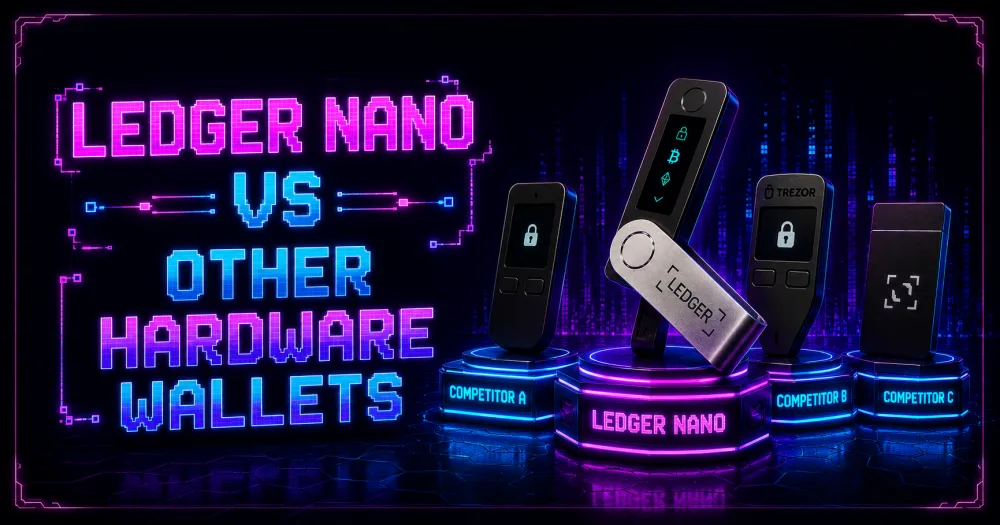
The hardware wallet choice depends on how important the various properties are to the user, since different hardware wallets have varying security architectures, asset compatibility, software ecosystems, and usability, which are better or worse for cold storage, DeFi, or multi-chain users.
Ledger vs Trezor
Ledger and Trezor are the oldest and largest brands in the hardware wallet market. Ledger relies on a Secure Element chip with a proprietary operating system to limit the attack surface. Trezor has open-source firmware, so the code can be reviewed and audited publicly for solid security assurance.
While Ledger supports more coins and generally has better mobile support as well as integrations for staking, NFTs, and DeFi apps, Trezor is often the preferred hardware wallet for its open source reputation, simplicity, and ease of self-custody.
Ledger vs SafePal
SafePal allows (for some models) air-gapped QR-code signing, not requiring the user to physically connect the hardware to the computer or smartphone to sign the transaction via USB or Bluetooth.
Ledger, on the other hand, has a more developed software ecosystem, with a higher number of supported assets and support for Ledger Live or various third-party wallets.
For active users with diverse portfolios across many different blockchains, Ledger generally provides more utility, although SafePal remains a good option for those who prefer QR code-based offline signing.
| Wallet | Main Strength | Potential Limitation |
| Ledger | Broad asset support, mature ecosystem, Secure Element, Ledger Live | Closed-source operating system |
| Trezor | Open-source firmware, transparent architecture | Fewer mobile features and supported integrations |
| SafePal | Air-gapped QR-code signing, competitive pricing | Smaller software ecosystem than Ledger |
Which Hardware Wallet Is Best for Beginners?
Less advanced users may prefer devices that sacrifice large security features for other benefits, such as ease of use, documentation, and software support. Devices such as the Ledger Nano S Plus and Ledger Nano X are often recommended for less advanced users due to their guided onboarding and ecosystem.
If you’re looking for the best hardware wallet 2026 that can be used daily for a variety of cryptocurrencies, Ledger is often the best choice. If you prefer transparency in your hardware and have a long-term holding need for Bitcoin, Trezor is a good alternative. SafePal is a budget hardware wallet that is air-gapped.
Is Ledger Nano Worth It for Beginners?
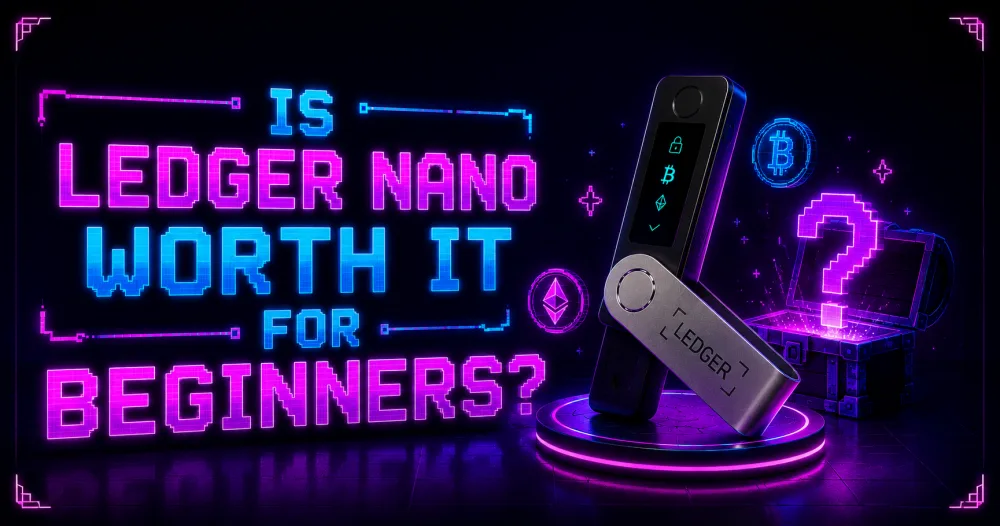
Ledger tends to be the default hardware wallet for newcomers by providing a combination of user-friendliness and self-custody. Ledger Live allows for guided onboarding, the devices support a broad range of cryptocurrencies, and transactions must be approved on-device, lending themselves to a user-friendly experience.
Who Should Use a Hardware Wallet
A hardware wallet is best for crypto HODLers, people who want to carry large sums, people using DeFi app protocols regularly who want to keep their private keys offline, and people who want to move their crypto off a centralized exchange and into self-custody.
The increased security afforded by the use of dedicated hardware may outweigh the additional cost once the user’s portfolio grows enough, but infrequent traders with smaller balances may be well served by safe crypto storage.
Pros and Cons of Ledger Nano
Ledger’s hardware wallets include the Secure Element, support for more than 5,500 cryptocurrencies, Ledger Live support, staking, and compatibility with other wallets. The Nano S Plus is a low-end wired option, whereas the Nano X model includes Bluetooth for mobile use.
Downsides include needing to securely back up and recover the 24-word recovery phrase, the necessity of using third-party wallets to conduct transactions on supported blockchains, and the learning curve of self-custody for new users. The price difference can be important between entry-level and advanced hardware wallets.
Cost vs Security Comparison
The Ledger Nano S Plus is priced at $59, and the Ledger Nano X at $149. Newer Ledger wallets, including the Ledger Nano Gen5, are priced from $179. All Ledger wallets share the same architecture of storing private keys offline and approving transactions on the device.
New users should consider the Nano S Plus as it incorporates the enterprise-grade security that Ledger is known for, at the lowest cost. Some features include added Bluetooth functionality and mobile device connectivity, but the Ledger Nano X does not have stronger cryptographic security than the Ledger Nano S Plus. The Ledger Nano S Plus is the best hardware wallet 2026 for cost-conscious buyers.
FAQ
Can I Recover Crypto if I Lose My Ledger?
Yes. Your assets are stored on the blockchain, not on your device. If the 24-word Secret Recovery Phrase is available, the wallet can be restored on any other Ledger device or other compatible BIP-39 wallets.
Is Ledger Nano Completely Safe?
No hardware wallet is immune to attacks. Ledger’s Secure Element protects the private keys, but the user can lose their funds if a recovery phrase is shared or a fraudulent transaction is confirmed.
Do I Need Ledger Live to Use My Wallet?
No. Ledger Live is the official management software. Ledger devices are compatible with a range of third-party software wallets (such as MetaMask, Electrum, etc.), depending on the blockchain in question.
Can Ledger Be Used Without Internet?
Yes, the hardware wallet signs transactions offline. However, broadcasting transactions or checking balances still requires an internet-connected device running Ledger Live or another compatible wallet application.
What Happens if Ledger Shuts Down?
Your crypto is still your own because the recovery phrase is based on the BIP-39 standard, and the assets are held on their respective blockchains, not on Ledger servers. Even if Ledger’s services were offline, you could always restore your wallet on another device that supports BIP-39.